April 2, 2026

Modernizing ECM: Our Guide for Moving FileNet to the Cloud

Our Guide for Moving FileNet to the Cloud

Organizations that rely on IBM FileNet for enterprise content management are feeling pressure from aging data centers, increasing maintenance costs, and rising expectations for always‑on access. Moving FileNet from on‑premises to cloud‑hosted servers is a practical first step that improves stability and scalability without forcing an immediate application redesign.

Why Move FileNet to the Cloud?

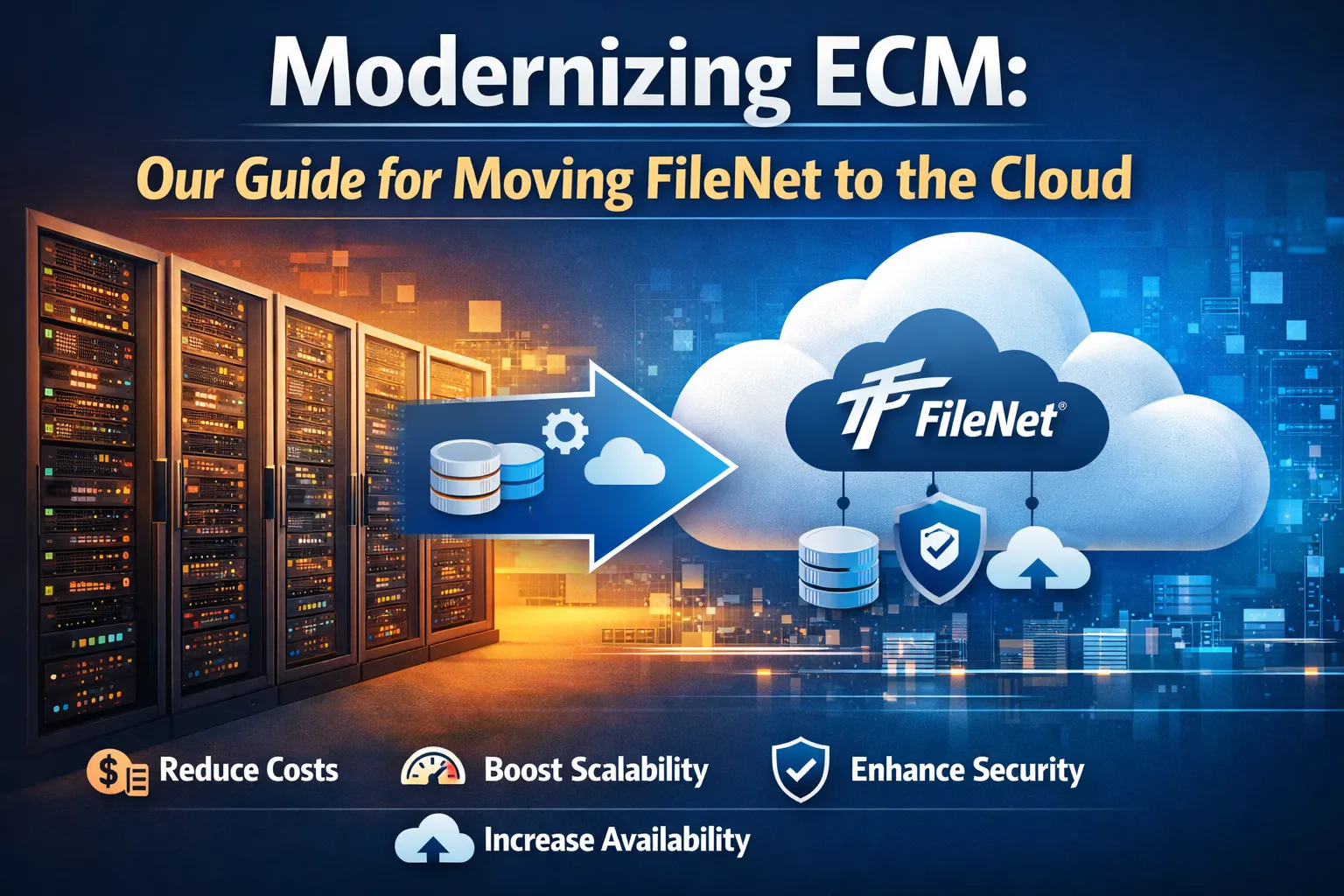
  • Reduce data center costs by retiring aging on‑prem hardware and standardizing on cloud infrastructure (for example, virtual machines and managed databases in Microsoft Azure or other major providers).
  • Improve scalability and performance by taking advantage of flexible compute, storage, and database options that can grow with content volumes.
  • Increase availability and resilience using cloud capabilities such as availability zones, automated backups, and disaster recovery features.
  • Strengthen security and compliance with modern identity services (for example, Azure Active Directory), encryption at rest and in transit, network isolation, and centralized monitoring.
  • Create a foundation for future modernization so you can later adopt more cloud‑native services without a risky “big bang” replacement.

Typical Challenges You’ll Face

  • Complex FileNet object stores and domains that have evolved over many years with custom metadata, security models, and workflows.
  • Dependencies on local storage, file shares, and on‑prem databases that must be remapped or re‑architected in the cloud (for example, moving content to Azure Blob Storage or other object storage).
  • Tight integrations with line‑of‑business applications, custom viewers, and downstream systems that rely on specific URLs, IPs, or legacy FileNet APIs.
  • Large content volumes that must be migrated with minimal downtime and no loss of versions, annotations, or permissions.
  • Strict SLAs and compliance requirements that limit how long systems can be offline during the move.

A Practical Approach

  1. Assess and plan
    Inventory FileNet domains, object stores, content volumes, databases, and integrations, then identify critical applications and peak usage patterns to define migration waves and downtime windows.
  2. Design the target cloud environment
    Decide on regions, VM sizes, storage tiers, and database options; for example, mapping current FileNet servers to cloud VMs and choosing services like Azure Blob Storage or AWS S3 equivalent for content. Design identity integration with your chosen cloud identity provider while aligning to security standards.
  3. Prepare FileNet and infrastructure
    Apply any required upgrades so FileNet is supported on your chosen OS/DB stack in the cloud. Document configuration dependencies, including storage and directory integrations such as Azure AD or other providers.
  4. Build and test in the cloud
    Stand up FileNet application and database servers in the cloud, configure storage locations and replicate core settings from on‑prem. Run functional and performance tests with a subset of content and key integrations to validate compatibility and latency.
  5. Execute migration and cutover
    Move databases and content stores using the DASmigrate content migration tool.  Perform a controlled cutover, validate content counts and permissions, and switch client applications to the new endpoints.
  6. Stabilize and optimize
    Monitor performance, tune VM sizes and storage tiers, and refine backup/DR configurations to match real usage. Update documentation and runbooks so your team can reliably operate FileNet in the cloud and start planning incremental optimizations.

Best Practices for Success

  • Treat this as a modernization project, not just a hosting change, and clearly define goals such as cost reduction, resilience, or consolidation.
  • Start with a pilot or non‑critical workload to validate your cloud design and migration runbooks before moving business‑critical repositories.
  • Build repeatable automation (infrastructure as code, scripted installs, configuration) to reduce risk and speed future changes.
  • Maintain strong validation and rollback plans so you can revert or pause if issues appear during cutover.
  • Look ahead: once FileNet is stable in the cloud, identify opportunities to integrate with cloud‑native services (for example, Azure monitoring, backup, security, and analytics) and plan incremental enhancements over time