

November 13, 2026
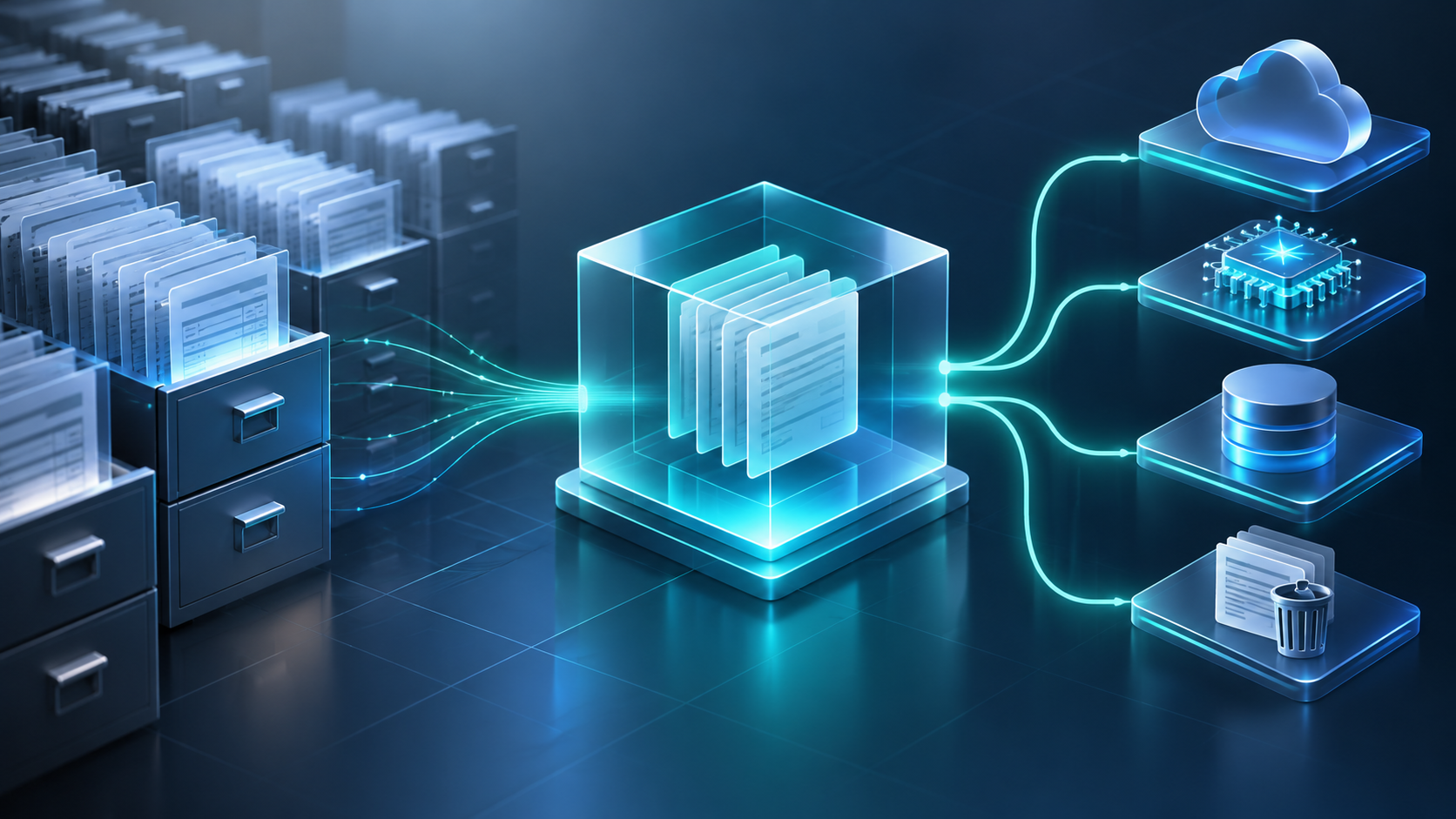
Most of the companies we talk to that run IBM Content Manager OnDemand didn’t choose it recently. It was put in fifteen or twenty years ago, usually to get statements and reports off paper and microfiche, and it has been doing that job ever since. Call center reps pull up old statements. Auditors ask for reports from five years back and get them. Nobody outside of IT thinks about it much.
That has started to change. The people who built and know the system are retiring, the hardware it runs on is getting old, and IBM released Content Cortex this year, which pulls CMOD, FileNet and Content Manager Enterprise Edition into one platform. So we’re getting more calls from CMOD owners asking a version of the same question: what should we do with this thing?
There isn’t one answer, but there is a sensible way to work through it.
CMOD is an archive for computer output. It takes in print streams and reports (AFP, line data, PDF, scanned TIFF images), splits them into individual documents, indexes them and stores them compressed on disk, tape or optical media. The index values sit in a database, so a user can search by account number, date or customer name and get a document back in a second or two.
It runs on z/OS, IBM i and distributed platforms. Most users get to it through Content Navigator, the OnDemand client, or a custom application built on its APIs.
The reason CMOD has lasted is that it’s very good at one thing. It stores enormous volumes cheaply and retrieves any single page fast. Plenty of newer platforms still can’t match it at that scale. If you’d like more background, we cover the basics in What Is Content Manager OnDemand?
In banks, insurers and utilities, CMOD usually holds every statement, notice and letter sent to a customer. Customer service and online portals pull from it constantly. In other shops it’s mainly a home for nightly batch reports out of the mainframe or ERP system. Some financial institutions store check images in it. And a lot of organizations keep it around mostly because regulators expect them to produce records for seven or ten years.
In almost every case, other systems depend on it. That’s the part people tend to forget when they start talking about replacing it.
IBM is still actively maintaining CMOD. Version 10.5.0.10 came out in December 2025, and 10.5.0.11 was planned for the third quarter of 2026 with updated system requirements. IBM still puts out a quarterly CMOD newsletter.
But it is also trimming things. Full Text Search has been deprecated, some 32-bit components are going away, and older IBM i releases have reached end of support. If you’re a few versions behind, getting current is going to take more effort each year you wait.
IBM describes Content Cortex as the evolution of FileNet, CMOD and Content Manager Enterprise Edition into a single content services platform. It comes in Essentials and Premium editions and can run on premises, in private cloud or in public cloud.
Several features line up closely with what CMOD customers care about. It handles active and archived content under one set of governance rules, with compression and archive search built in. It adds AI agents for search, classification, redaction and legal hold, and a person has to approve before an agent changes anything. It also supports MCP, so tools like watsonx Orchestrate, Copilot, Claude and ChatGPT can work with content while permissions are still enforced.
One detail to read carefully: IBM says FileNet entitlements carry forward to Content Cortex, while CMOD customers follow a “supported, phased path.” In other words, it’s a real option for CMOD shops, but it’s a project to plan, not an automatic upgrade. Before committing, you’ll want to know what that path looks like for your platform, version and licensing.
If it fits, the payoff is that decades of statements and reports could become searchable by meaning, summarized on request, and governed the same way as the rest of your content. For organizations that want to point AI at historical records without standing up a separate repository, that’s a strong argument for staying with IBM.
For a closer look, watch our video overview of IBM Content Cortex, or read IBM Content Cortex: The Next Evolution for FileNet Customers.
We’d start with a few practical questions.
What version are you on, and on what platform, database and storage manager? How far is that from IBM’s current requirements?
Which applications and teams pull documents from CMOD? Each one is an integration you’ll have to keep working no matter which way you go.
What’s in the archive? Look at volumes by application group, formats, date ranges and retention rules. We regularly find large amounts of content that’s already past retention and could simply be disposed of.
Who supports it today? If the answer is one person, that should affect your timeline.
And what do you want the content to do in five years? “Stay retrievable” leads to a very different plan than “feed our AI tools and customer self service.”
Stay on CMOD and get current. Apply the latest fix packs, get off unsupported hardware and operating systems, clean up storage and document how things are configured. If CMOD is doing its job and the integrations are stable, this is a perfectly reasonable choice. It also makes any later move easier, since a current, well documented system is much simpler to transition than one nobody fully understands. Our platform modernization work covers this kind of upgrade.
Stay with IBM and plan for Content Cortex. If you want more out of your archived content, especially for AI and search, this is the most direct route that keeps you on a platform designed for CMOD’s kind of workload. It makes the most sense for organizations already invested in IBM, and especially for those also running FileNet, since both can end up in one place.
Migrate content to another platform. Some organizations are consolidating onto a different ECM system or cloud repository. That’s very doable, but it takes more care than people expect. Documents have to be pulled out of compressed storage objects. AFP documents have to be reunited with the fonts and overlays they rely on. CMOD index fields need to be mapped to a new metadata model, and every document should be reconciled against the source so you can show nothing was lost. Most organizations take the opportunity to convert AFP and line data to PDF or PDF/A, and to run OCR so older content can be searched.
Extract and retire. If the content is rarely touched and kept mostly for compliance, it may make more sense to move it to a lower cost retention repository and shut CMOD down. We see this a lot after mergers, or when the business process that fed CMOD no longer exists.
Many organizations end up doing more than one of these. For example, keeping active statement archives on the IBM path and retiring older application groups that nobody uses.
Make sure tape and optical volumes can still be read before you build a schedule around them. Decide early whether you’ll extract through CMOD’s own interfaces or read the storage and index data more directly, which matters a lot when the source system is unstable. Check converted documents against the originals, particularly anything a customer might dispute. Clean up index values as you map them, not after. Reconcile counts and keep an audit trail your compliance team will accept. And run old and new systems side by side for a while before you turn CMOD off.
We’ve been working with IBM content platforms since 1991, including Content Manager OnDemand and FileNet. Most of our clients are in regulated industries like financial services, insurance, healthcare, transportation, manufacturing and the public sector.
We can help at any stage, whether that’s assessing your current environment, bringing CMOD up to date, working out what a Content Cortex path looks like for you, or planning a content migration with our DASmigrate utility. When content does move, we agree with you up front on which content, metadata, permissions and history need to be preserved, and plan the mapping and testing around that.
Our team is based in the U.S., and we’re happy to come on site and look at your CMOD environment with you. You can reach us through our contact page or at info@daspartner.com.
Yes. IBM continues to release updates to CMOD 10.5. Older versions and components are being phased out, so staying reasonably current matters.
IBM positions it as CMOD’s next step, but for CMOD customers it’s a phased transition rather than a straight replacement. Confirm the details for your license before planning around it.
Not easily in CMOD as it is today. Moving toward Content Cortex or migrating into an AI-ready repository are the two practical ways to get there.
No. Content past retention can often be disposed of, and it’s common to keep some content on the IBM path while retiring the rest.


